Claude Code
claude mcp add grist-coder --transport http http://localhost:8742/mcp \
  --header "Authorization: Bearer <clé Grist>" \
--header "X-Grist-Site: https://<instance>"A Grist document becomes a complete business application — tables, interfaces, logic, integrations — built by AI, and still running once the server is gone.
MCP server
These numbers are read back from the source on every build of this page, so they cannot drift from what the server actually exposes.
io.github.nic01asFr/gristcoderstreamable-http — 2025-03-26, on /mcpghcr.io/nic01asfr/grist-coderclaude mcp add grist-coder --transport http http://localhost:8742/mcp \
--header "Authorization: Bearer <clé Grist>" \
--header "X-Grist-Site: https://<instance>"{
"mcpServers": {
"grist-coder": {
"type": "http",
"url": "http://localhost:8742/mcp",
"headers": {
"Authorization": "Bearer <clé Grist>",
"X-Grist-Site": "https://<instance>"
}
}
}
}The promise
A Grist document already holds the data, the permissions and the sharing. What it lacks to be an application — screens, logic, triggers — is built here through conversation, and stays stored inside the document.
In pictures
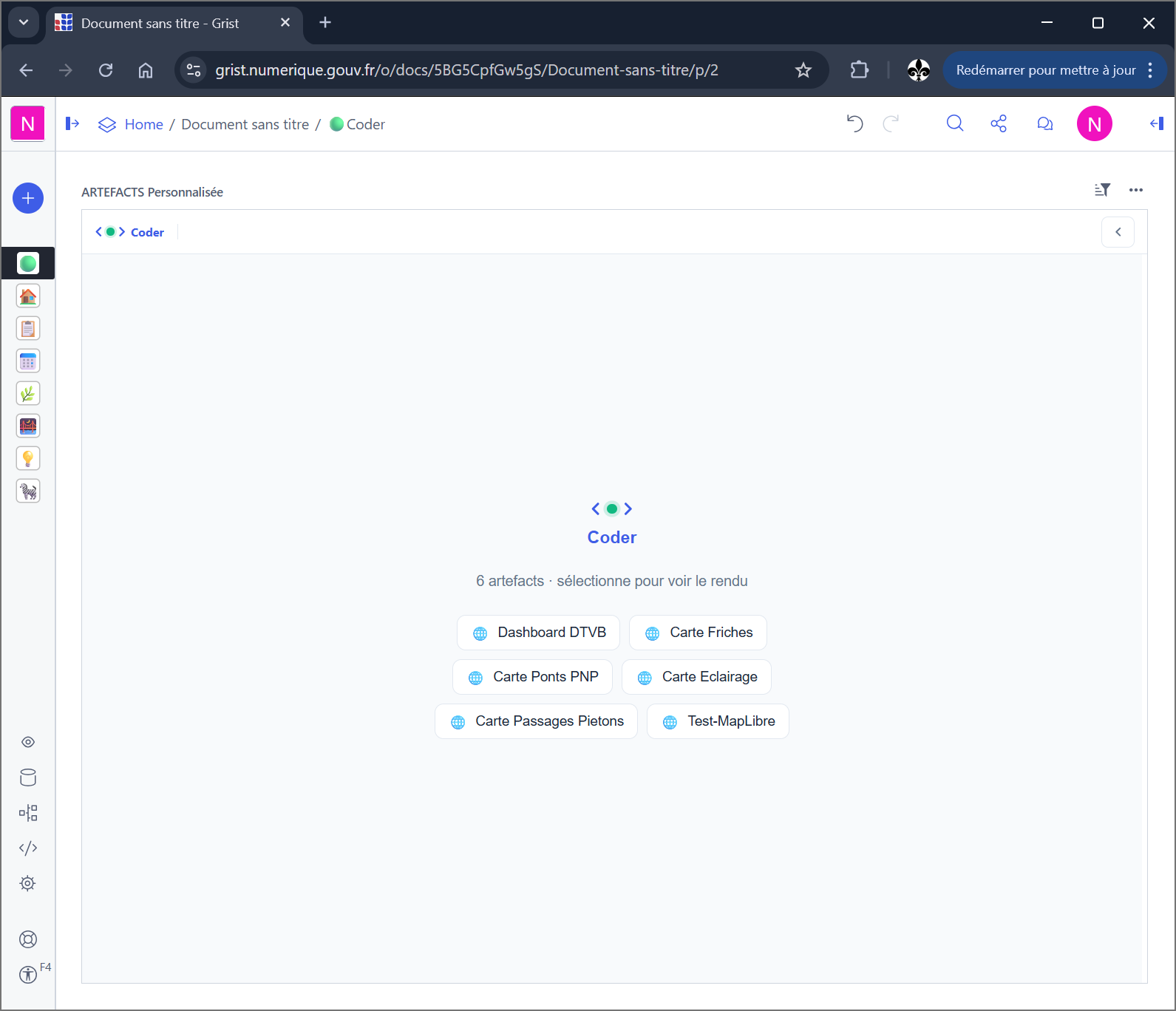
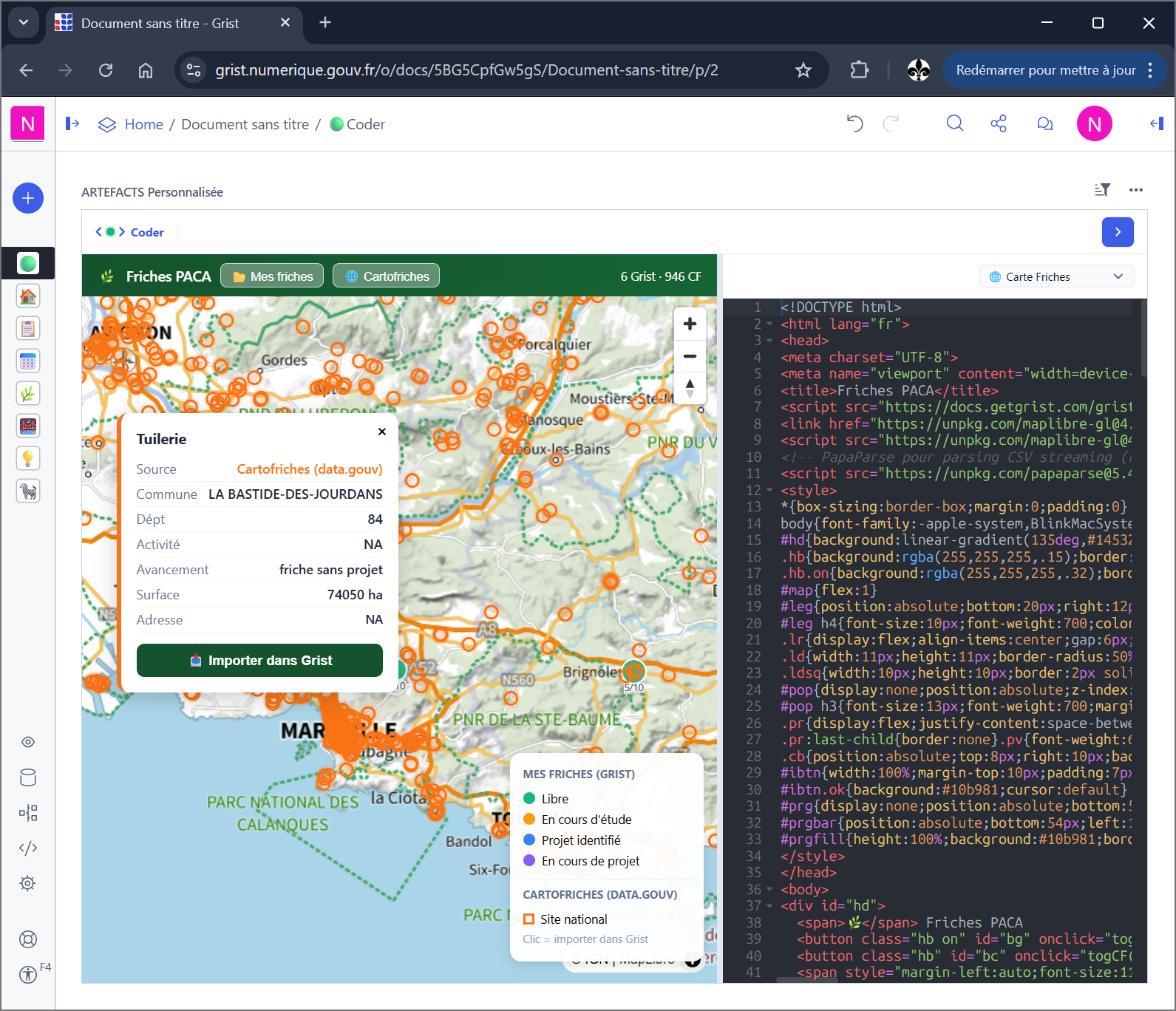
Features
Data (tables and formulas), interface (artefacts and Grist pages), logic (SQL, UserActions, upsert), integrations (webhooks to the outside). All four are built from the same conversation, without switching tools halfway through.
When a spreadsheet is no longer enough, but full development is out of reach.
The widget is a split screen: editor on the left, live preview on the right. Writing is incremental — read the code, replace a fragment, look. Render errors come back with line numbers instead of a silent failure.
To fix an interface without ever leaving Grist.
Publishing freezes the artefact into a section of the document and bundles its npm imports. The result is an ordinary widget: it no longer knows the server, and keeps working if the server disappears.
To ship something that no longer depends on you.
Close to 2,800 lines of JavaScript run an agent loop inside the widget itself, so the document can build itself without an external MCP client. Model configuration is served by the server, and the key never leaves it.
When there is no MCP client in front of you, just a browser.
Rather than guessing, the assistant asks in the widget: a choice, a form, a confirmation, an external data import. The answer returns to the conversation and construction resumes where it stopped.
For decisions a model should not make alone. In beta.
The Helm chart installs a personal server, guarded by a token and locked to its owner on first contact. An embedded OAuth 2.1 connector makes the server its own identity provider, which avoids pasting an API key into a client.
To go online without going through a multi-tenant service.
SSPCloud Onyxia
One Grist Coder pod per user, in your namespace. The container image lives on GitHub Container Registry; the install script is served from GitHub. The Helm chart is published by CI (GitLab registry, anonymous pull — install.sh handles it).
On datalab: My account → AI Assistant — OpenAI-compatible key (llm.lab.sspcloud.fr), base URL and a tool-capable model (e.g. qwen3-6-35b-moe).
Start an Onyxia service with a terminal (VS Code, Jupyter, etc.) and Kubernetes access to your namespace: admin role (same as QGIS-sspcloud). Without it, Helm install may fail; pass LLM_API_KEY manually if needed.
In the pod terminal, run the command below. Recommended: OWNER_UID = numeric Grist user id (Profile settings).
Open the service URL (Onyxia notes): widget with ?app_token=…, MCP at /mcp (OAuth or headers). Onyxia catalogue: alternative if Grist Coder is already in your regional catalogue.
curl -sL https://nic01asfr.github.io/GristCoder/install-grist-coder.sh | bash# optionnel : OWNER_UID=<id Grist> LLM_API_KEY=... curl -sL https://nic01asfr.github.io/GristCoder/install-grist-coder.sh | bash
Runtime image: ghcr.io/nic01asfr/grist-coder:<version> (voir GitHub Packages).
Helm repo (GitHub Pages): added automatically by install.sh. https://nic01asfr.github.io/GristCoder/helm
Getting started
Coder installs as a custom widget on a page of the document. It registers with the server and opens a session.
The assistant qualifies the need before touching anything. At that stage it does not even have access to the writing tools.
Tables, columns, relationships. Interface tools only appear once the data is in place.
Code is written in the editor and the preview refreshes. What is wrong gets patched, not rewritten.
The artefact is frozen into the document. It no longer needs the server, and the end user only sees an application.
Use cases
The file runs a real process, but every new request turns into one more column and one more tab.
Without a proper interface, it piles up until nobody dares touch it.
The need is clear and the queue is long. Here, the person who knows the domain builds and fixes it themselves.
A tool delivered six months late describes a job that has changed since.
Self-hosted server, one deployment per user, keys held server-side. The document does not travel to a third party to get tooling.
A shared service would mean handing the document to someone else.
Going online
The server is not local-only. Deployed online it exposes the same MCP surface, with guards that do not rely on the client behaving.
An application token closes /mcp, /register and the outbound proxy, compared in constant time. Left empty locally, there is no guard and nothing changes.
The first Grist account to register becomes the server's owner; any other account is refused. An unresolved fallback identity never pins anything — it would lock the server to nobody.
A full OAuth 2.1 connector: discovery, dynamic client registration, authorization, token, PKCE S256. The Grist key is given once at consent and stays on the server; the client only ever receives an opaque token that expires and can be revoked.
The key used to leak through the request URL in error messages. Everything returned to a client now goes through token scrubbing.
Model calls only reach explicitly allowlisted hosts. With an empty list the endpoint is disabled, so there is no pivot toward an internal service.
The widget asks the server what it knows about the model and gets a base URL, a name and a boolean — never the key. Idle sessions are purged, and real-time fan-out is routed per user.
Know-how corpus queryable by the assistant, with no open session required.
Embedded OAuth 2.1 connector: the server becomes its own identity provider, and the token it issues can be revoked.
Security audit: tokens scrubbed from errors, outbound proxy restricted to an allowlist, memory leaks closed.
Standalone artefact publishing, and a browser round-trip that gets past the application firewall.